Skip to content

Orders

Orders from live and e-shop in one place

One list, clear statuses, automatic invoices and payments that the customer chooses themselves.

3
payment methods in the base
PDF
invoice automatically
EÚ
VAT and currencies by country

What the order module contains

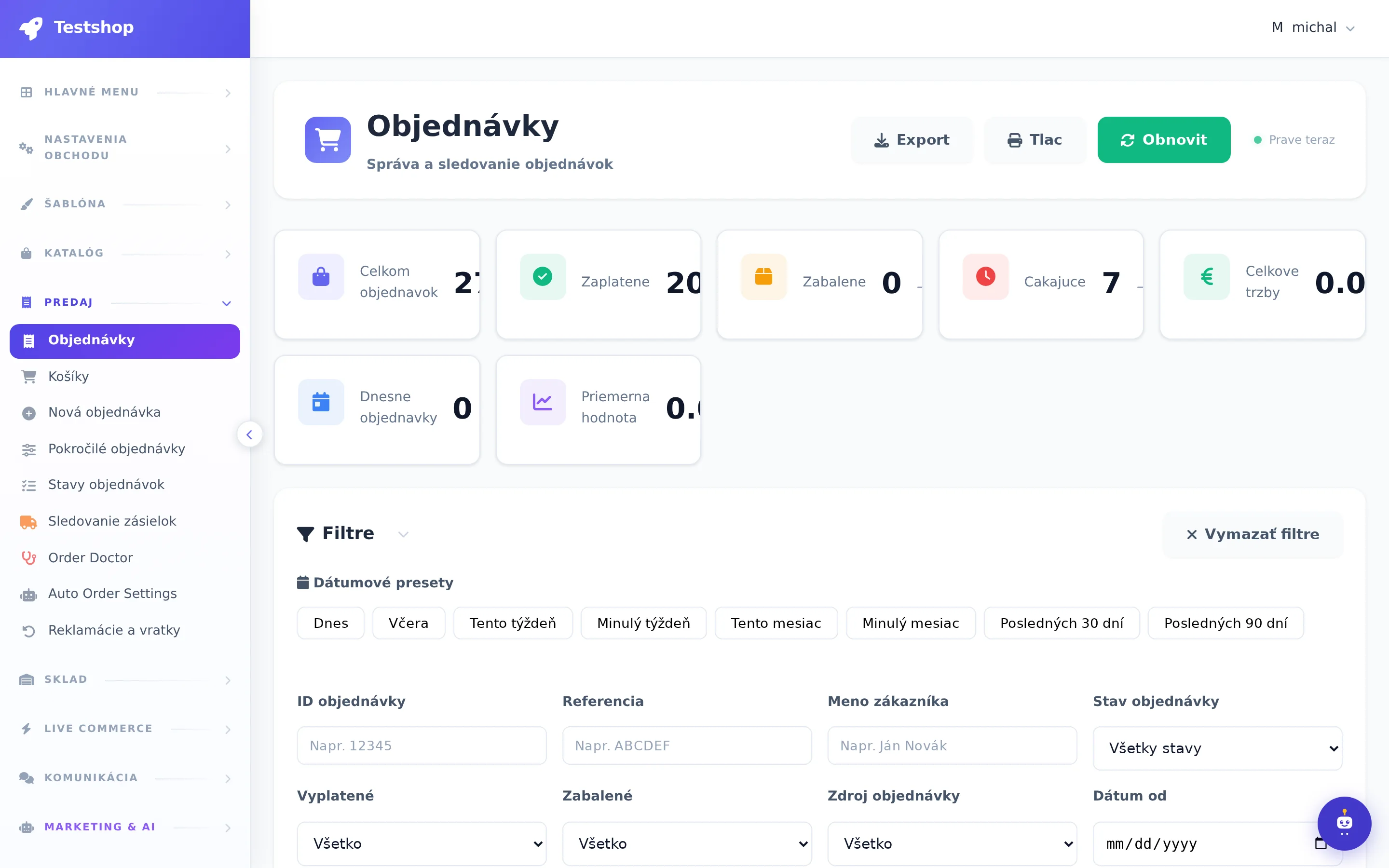
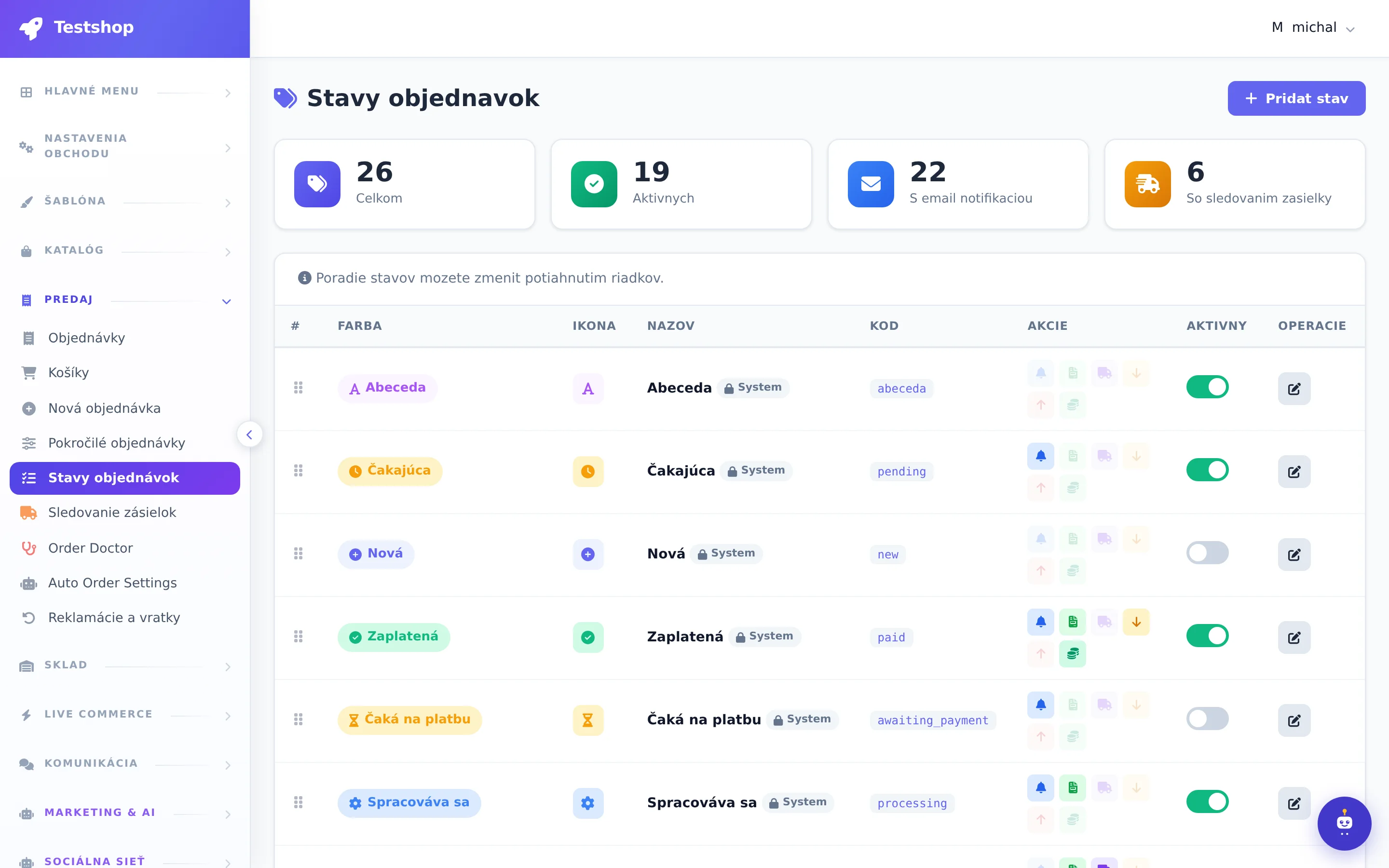
Order list and statuses

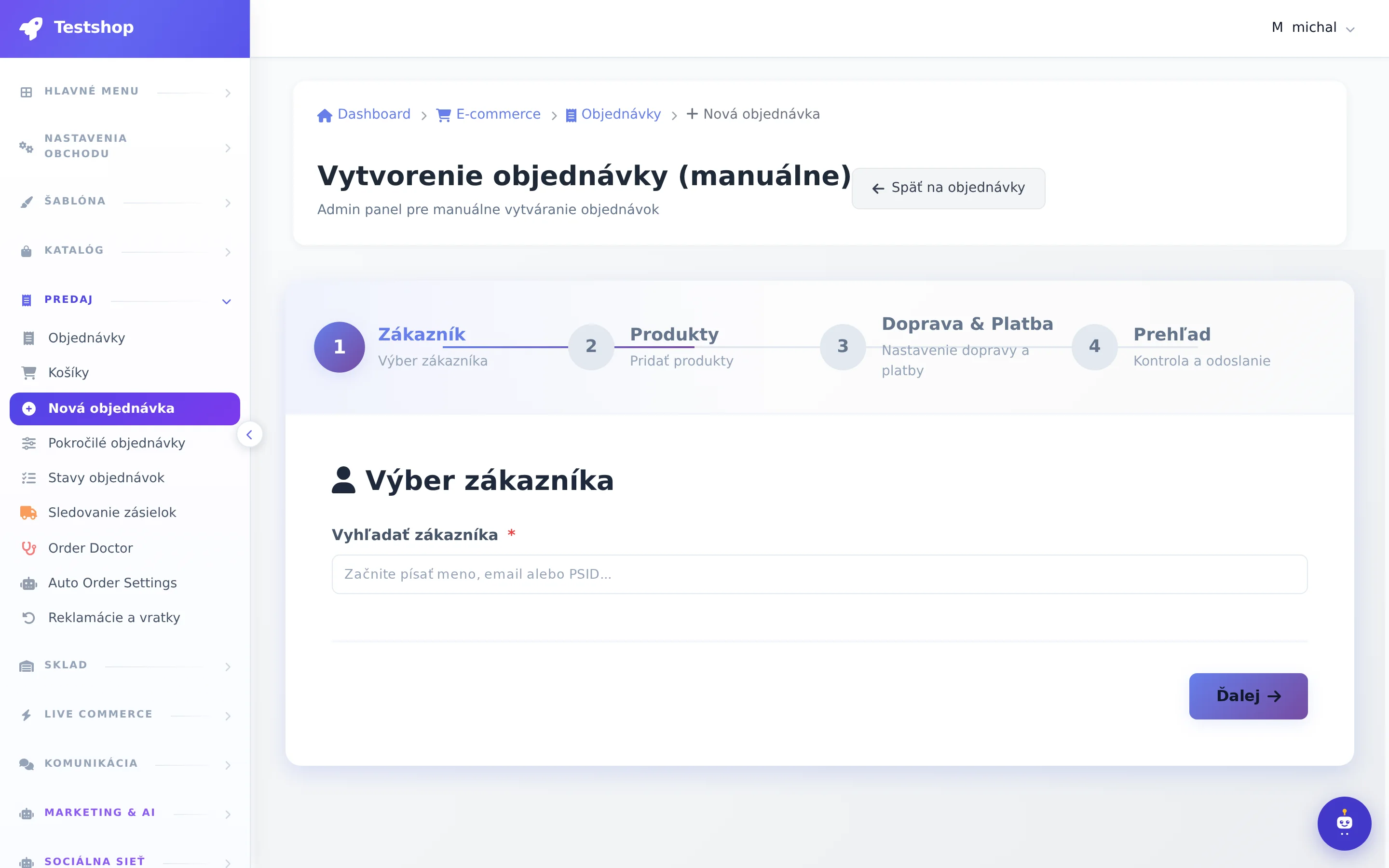
Orders from comments, from the web and manually created. Filters, bulk status changes, notes, history. Abandoned carts with reminder.

  • Advanced filters
  • Manual order creation
  • Order Doctor to check for problems

Payments: card, transfer, cash on delivery

Stripe for card payments, bank transfer with payment matching, cash on delivery. You set the fees and order of methods yourself.

  • Stripe checkout
  • Gear pairing
  • Cash on delivery with a fee

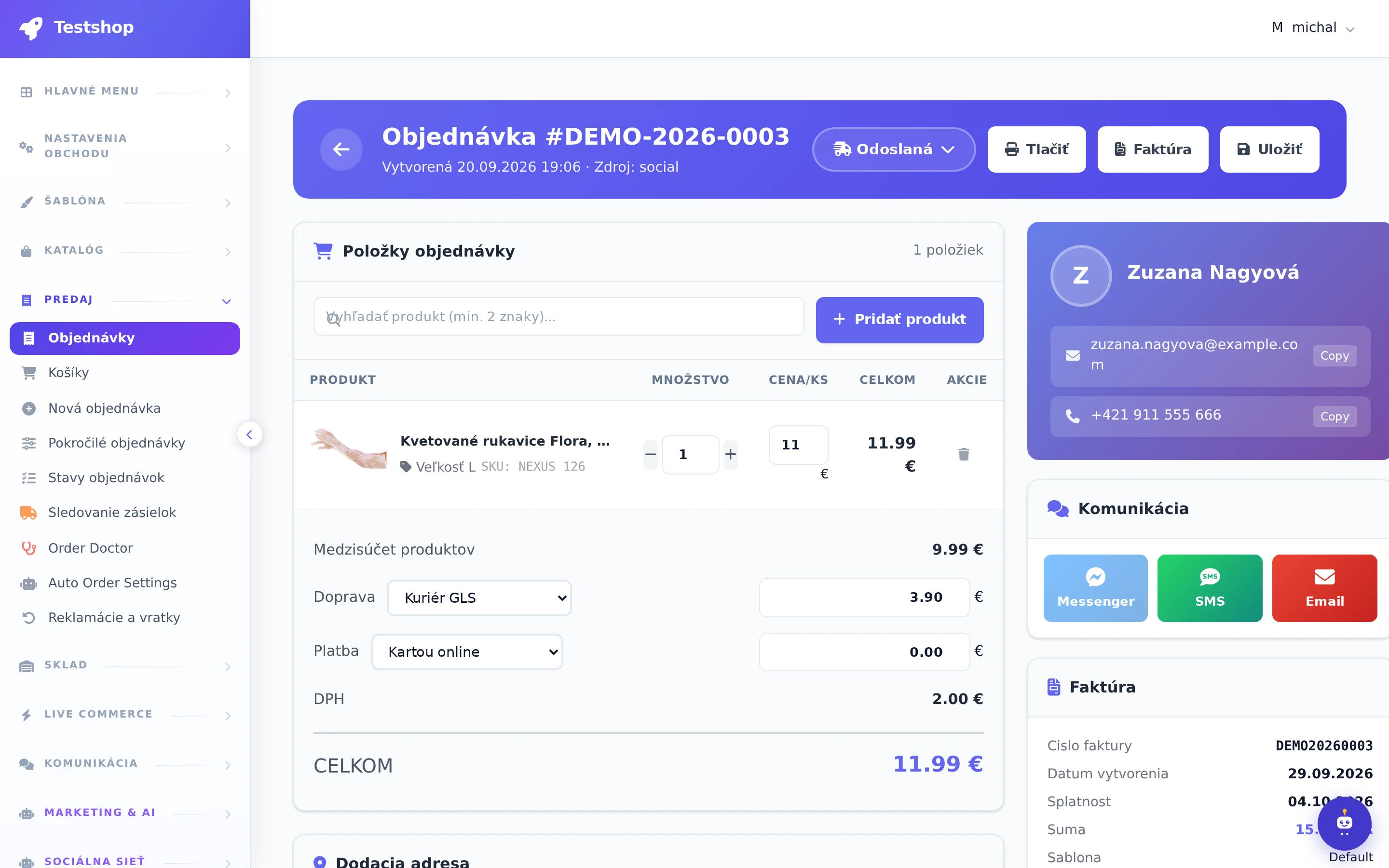
Invoices and documents

A PDF invoice is automatically generated upon payment or according to your rule. Templates, number series, archive and link to SuperInvoice.

  • Automatic exposure
  • SuperInvoice
  • Archive and bulk export

Taxes, currencies and countries

VAT by country of delivery, multiple currencies with exchange rates, countries and zones for shipping.

  • VAT rates for the EU
  • Currency rates
  • Delivery zones

Frequently asked questions

Do you take commission on orders?

No. You only pay monthly rent.

Do you have other payment gateways?

Basically Stripe, transfer and cash on delivery. We handle other gateways in Enterprise according to the market.

Orders section: subsections and what's in them

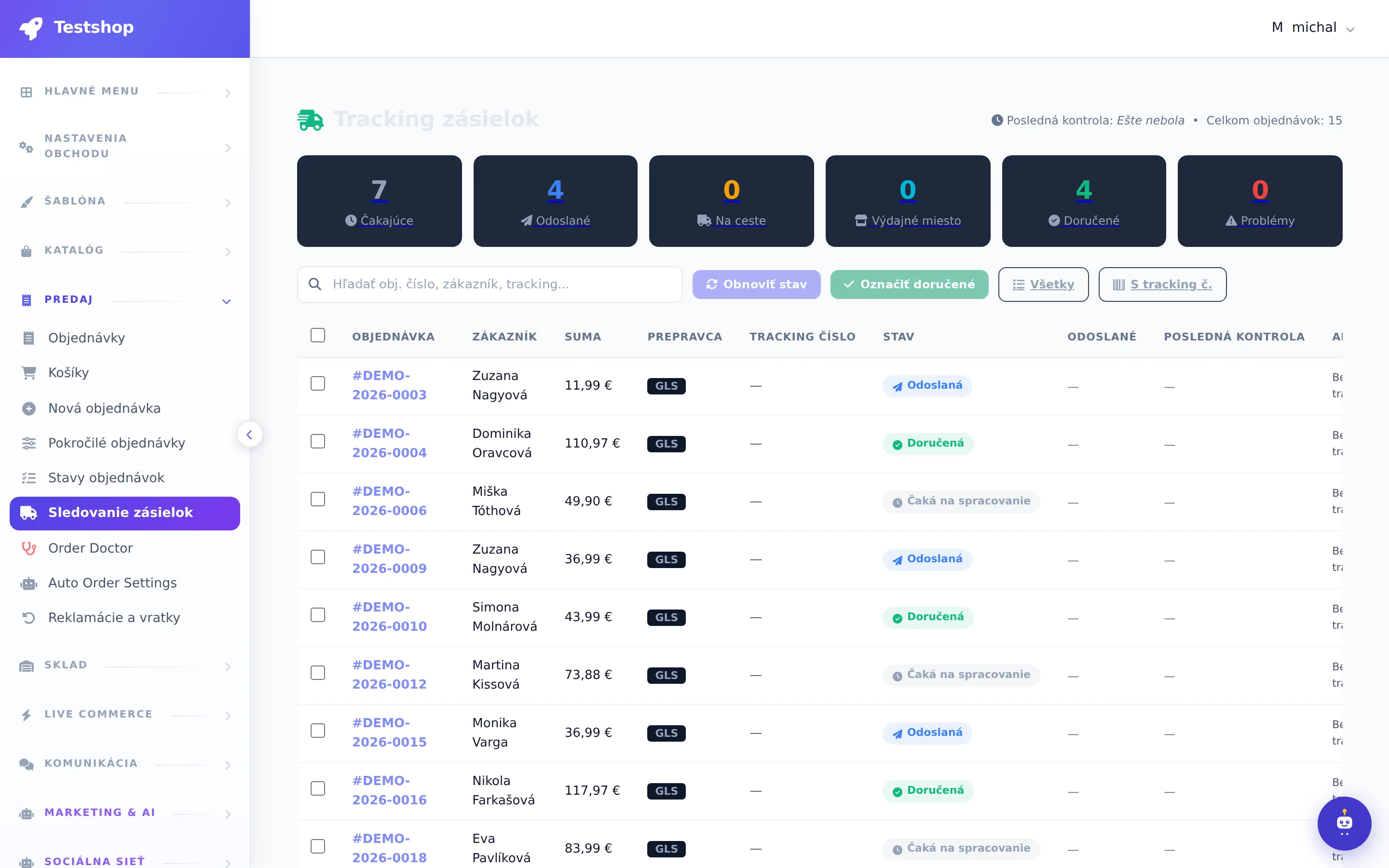
Orders · Carts · New Order · Advanced Orders · Order Statuses · Shipment Tracking · Order Doctor · Auto Order Settings

Filters, saved filters, columns, bulk actions

Date presets (today, yesterday, this and last month, 30 days), filter builder with saving, counts by status, configurable columns, mobile cards. Bulk: change status, mark paid / packed / shipped, assign tracking, print invoices, order slips and labels, email / SMS / Messenger, GLS shipments and labels.

  • Export CSV, Excel, JSON, PDF
  • Address validation
  • Bulk invoices
NexusShop
Actual NexusShop administration screen

Finance

Bank payments: statement → matched orders

You upload a CSV bank statement, the system automatically matches payments with orders, shows unmatched payments for manual matching, and changes the order status after confirmation.

  • Import CSV statement
  • Auto pairing
  • Manual pairing

Coupons

Percentage and fixed coupons, minimum order, total and per customer limits, categories, groups, validity, auto-apply, bulk generation, usage history, blocked customers.

  • % and €
  • Bulk generation
  • Abuse blocking

Invoices, SuperInvoice, Stripe

Invoices with templates, PDF, bulk actions and numbering changes. Link to SuperInvoice. Stripe webhooks for completed and failed payments.

  • Invoice templates
  • SuperInvoice
  • Stripe webhook

Orders under control from the first live

7 days free.