Why it's worth broadcasting on your own e-shop, not just on Facebook
Facebook gives you reach, but it keeps the customer. Live on your own website gives you a cart, data, and a listing that you resell.
Records
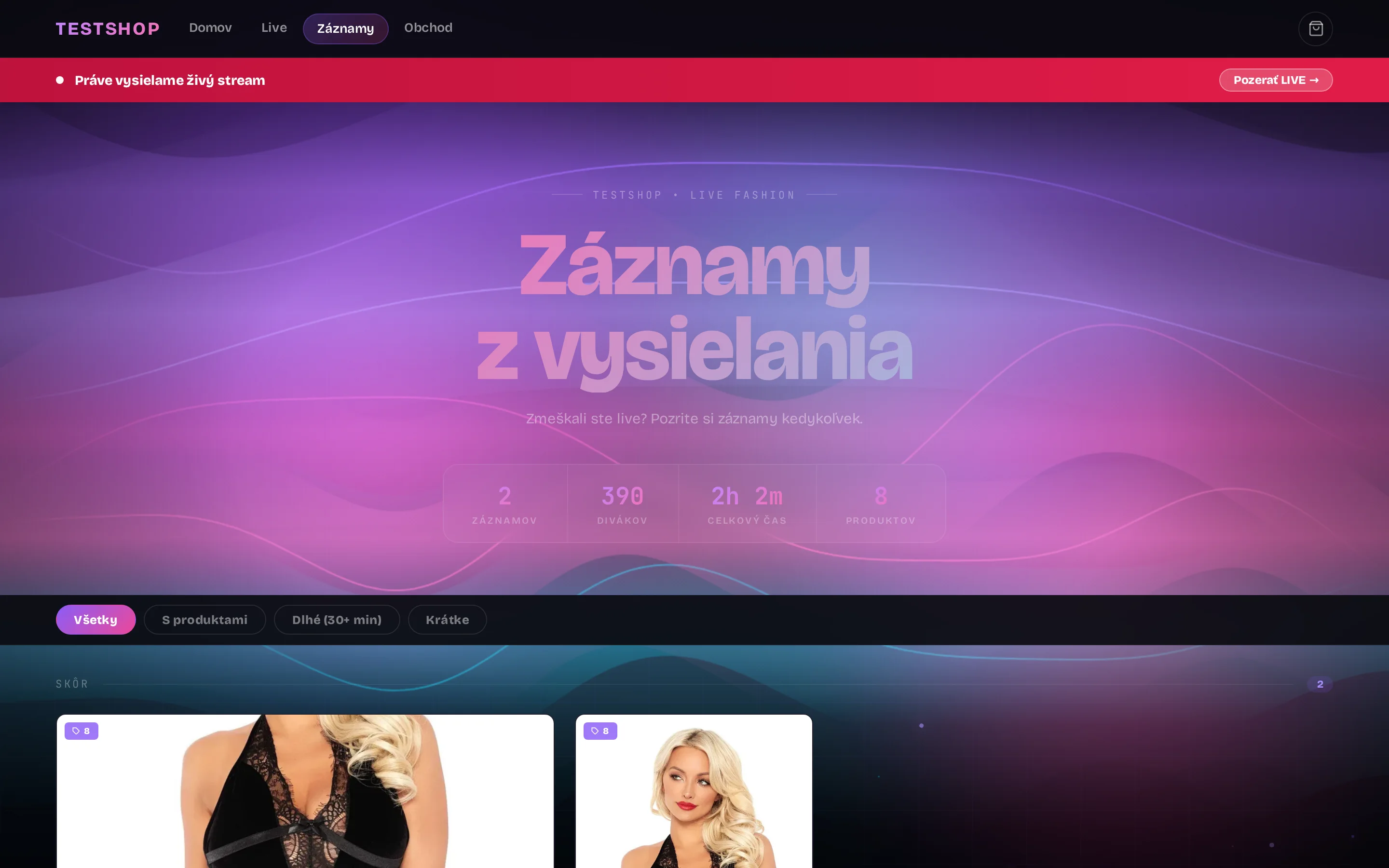
A broadcast recording is a shopping video on your e-shop. The customer clicks on a product in the list, the video rewinds to exactly where you showed it, and from the same place they add it to the cart and order.
Once your broadcast is over, it will be automatically saved, converted for the web, and published on your e-shop with a list of all the products featured. You don't record or edit anything.
When you click Introduce during a live stream, the system saves the time. So each product has its moment in the video. In the list next to the player and as a tag directly on the timeline.
A customer who missed the live stream doesn't have to watch the whole hour. They click on the product they're interested in, and the video jumps to the exact second where you picked it up. They see how it fits and hear what you say about it: the material, the size, how it's worn and combined.
Each product has a price, stock, and an Add to Cart button. The customer selects a size or color, sets the quantity, and adds it to the cart without leaving the video. The sold-out variant will not be offered.
From the cart, the customer will go to the checkout of your e-shop. They will complete the order in the same way as with a regular purchase: shipping, payment, confirmation. The order from the record will be included among other orders in the administration and in the customer account with an invoice and package tracking.
Once finished, you will send a recording to everyone who participated and remind them of any unfinished baskets. Those who didn't have time to order live will finish it from the recording.
From opening the recording to confirming the order. No waiting for the next live, no writing in the comments.
From a Facebook post, Messenger message, web push notification or directly on your e-shop. The recording has its own page with a player and a list of products.
Next to the video are all the products from the broadcast with a photo, price, and stock, in the order you introduced them. In the timeline, he sees a tag for each product.
The video jumps to the exact moment you picked up the product. The customer can comfortably hear what the presenter is saying, view it from all angles, and come back at any time.
The Add to Cart button opens the selection of size or color and quantity. Out-of-stock variants are marked so you don't order something you don't have.
The product lands in the cart next to the video. The customer can continue to browse and add other products while watching.
From the cart, it will go to the regular checkout of your e-shop: shipping, payment, confirmation. The order will appear in the administration along with orders from live, comments, and Messenger.
Seven steps, zero clicks. Every step is on and you can turn it off.
The streaming server ends recording and calls the recording processing.
The recording will be converted to MP4 (quick start for the web), a thumbnail image will be created, the recording URL will be saved, and the original file will be deleted.
A clip is cut for each product from the timestamps when the moderator clicked Introduce. Clips that are too short are skipped, duplicates are not repeated.
The preview clip is saved to the product as a product video, can be published on Facebook, and the administrator will receive a notification.
The customer sees the video on the product card and in the category. Google receives a VideoObject with the title, duration, and preview.
The recording remains on the website as a page with a player, a list of products with prices, and a shopping cart. Clicking on a product will rewind the video to the time of its presentation.
There will be a Facebook post with a link to the record, a web push to subscribers, and a Messenger message to active customers.
List of records with previews, detail with statistics and products, customer record page with cart.
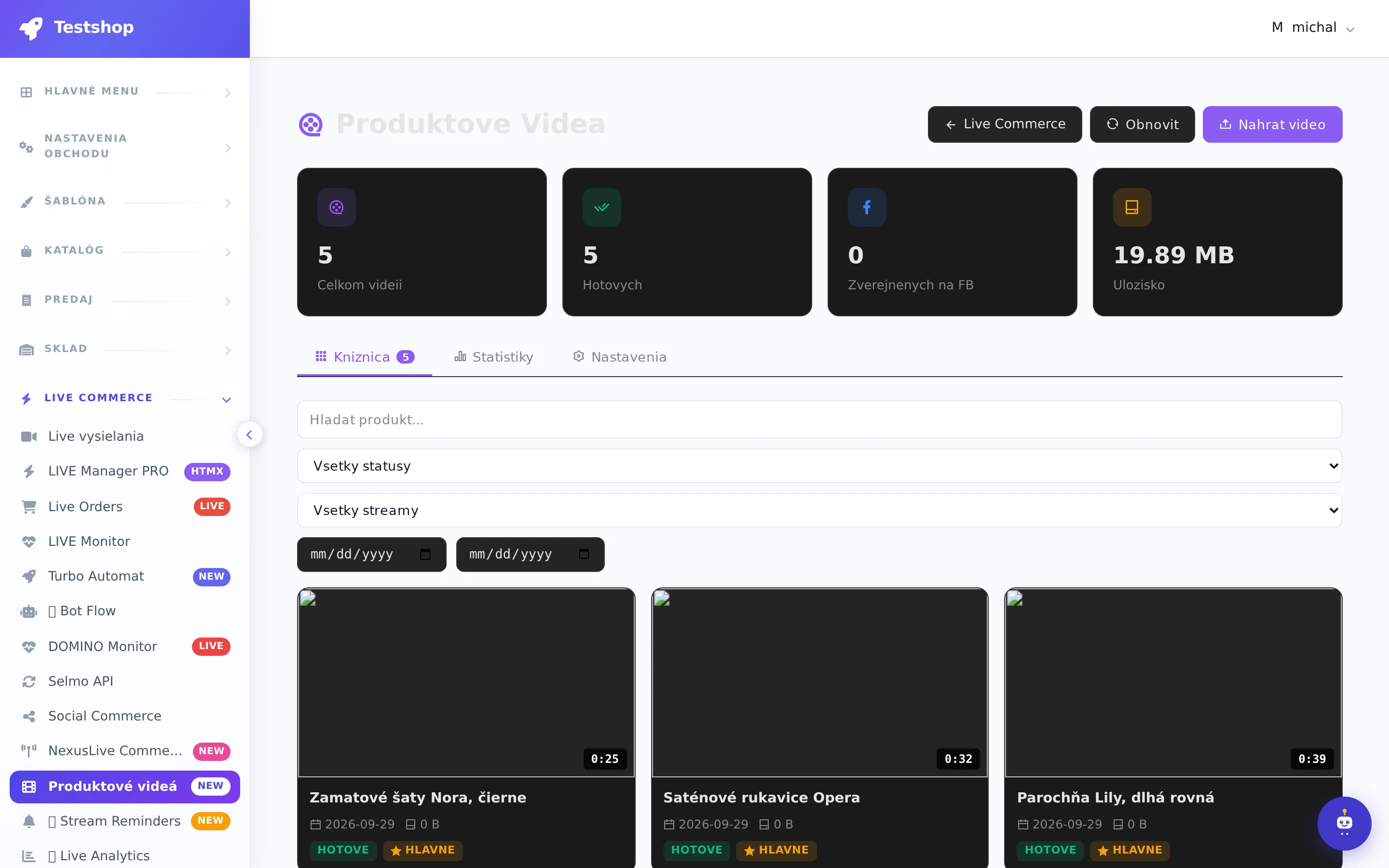
Product, SKU, price, stock, variants, duration, size, date and stream. Product assignment, main video setting, Facebook publishing, bulk deletion, custom upload. Countdown of clips from older recordings.
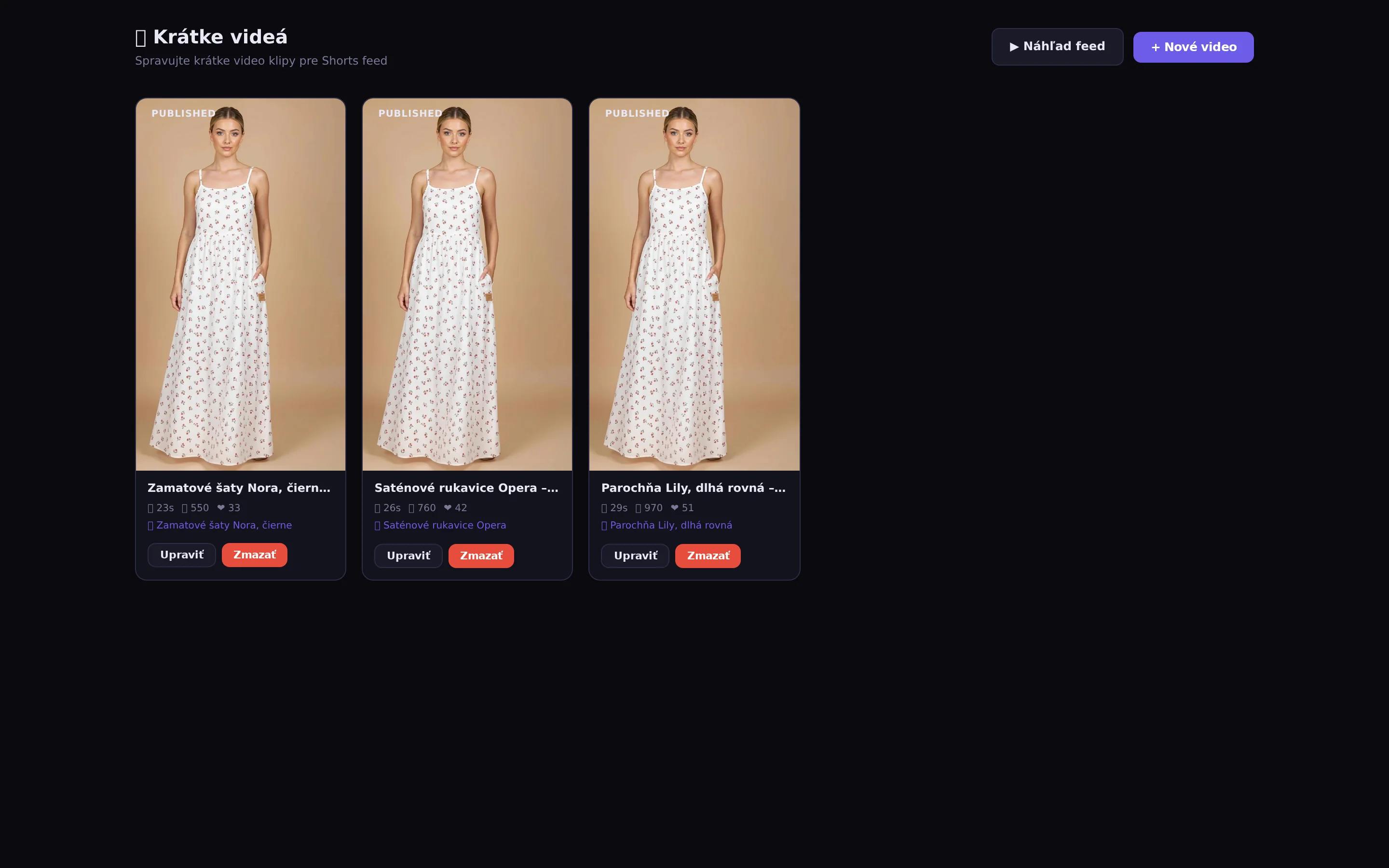
You can cut short vertical clips from your footage for Reels, TikTok, and Shorts.
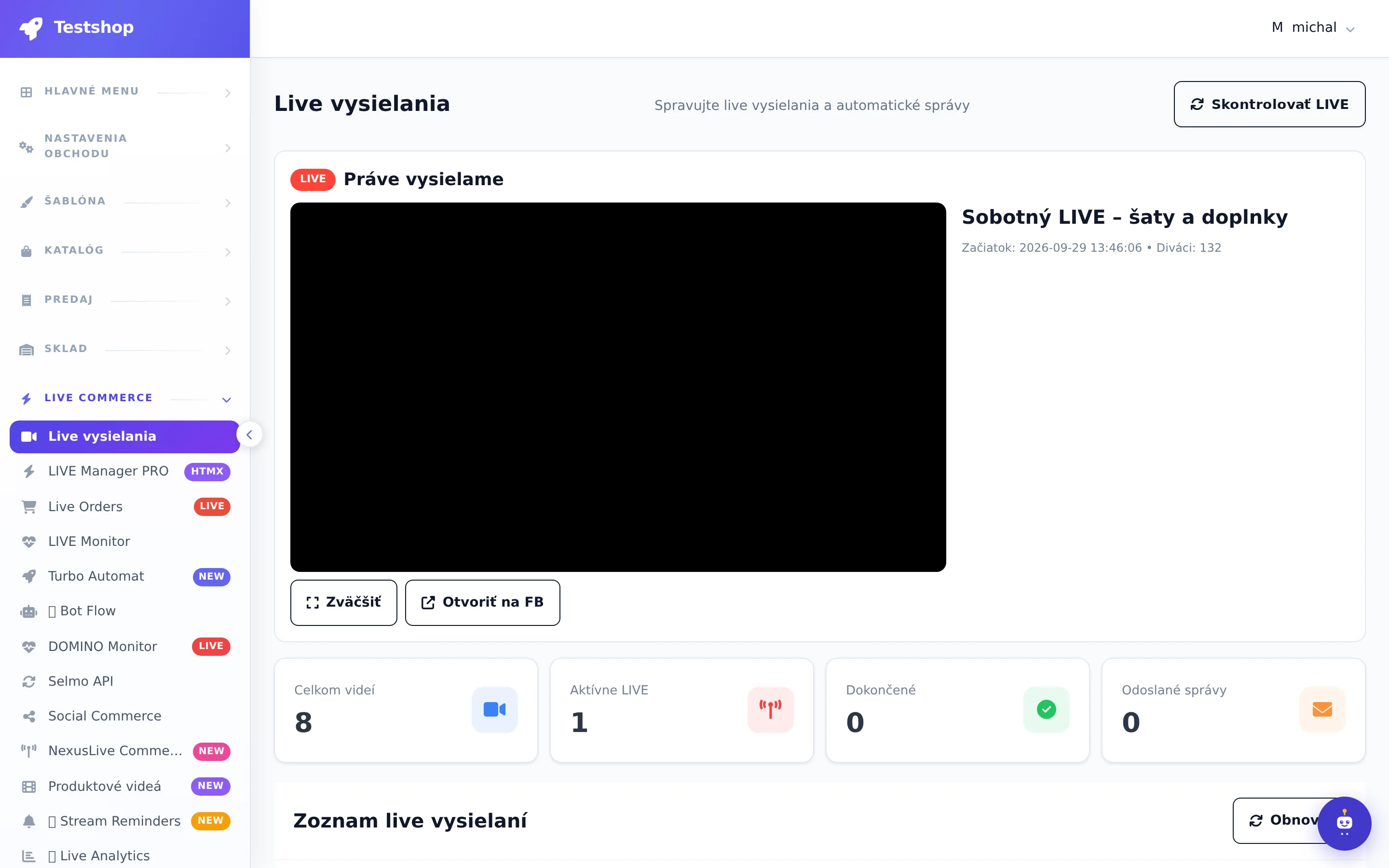
Once finished, the broadcast from NexusLive and the networks will be set to recording, the /live link will stop pointing to live, and the video will remain on your product page in the timeline. Product clips are automatically generated from your own NexusLive broadcast.
No. Next to the video is a list of all the products featured. Clicking on a product will rewind the video to the exact moment you were showing it. The product tags on the player timeline work the same way.
They click Add to Cart for the product, select the variant and quantity. The cart opens next to the video, from there they go to the regular checkout of your e-shop and complete the order with shipping and payment. They don't have to write the code in the comment or wait for a response.
The stock is checked for each variant. A sold-out variant is marked in the record and cannot be added to the cart. Once it is back in stock, it is offered again without intervention.
Yes. On mobile, the recording has its own layout: video at the top, products and cart in slide-out panels. Clicking on a product will rewind the video just like on a computer.
In the administration among other orders with the source record. The customer has them in the customer account along with the invoice and package tracking, as well as orders from live, comments and Messenger.
Until you turn it off. The recording page has its own URL, description, and preview, so it can be found by Google and shared. It typically brings in orders for a week or more after the broadcast.
After the live broadcast
Products on the timeline, the player cart, and clips for Reels and Shorts – everything is created automatically from the broadcast recording.
NexusLive runs on your e-shop and restreams from it to all networks at once. The customer clicks on the product in the video, chooses a variant (size, color), adds it to the cart and sees everything they ordered in the cart. Then they go to the checkout and complete the purchase exactly like in the e-shop: address, shipping, payment. It is a full-fledged e-shop order, not a chat message.
On YouTube, you broadcast solo from your channel or via restream, and the system processes purchase codes from YouTube chat in the same way as from Facebook. On TikTok, you broadcast via restream from NexusLive. Viewers purchase via a link to your live on the e-shop with a cart or code in the message, and the order ends in the same system.
7 days free.